
EletraDraw Help
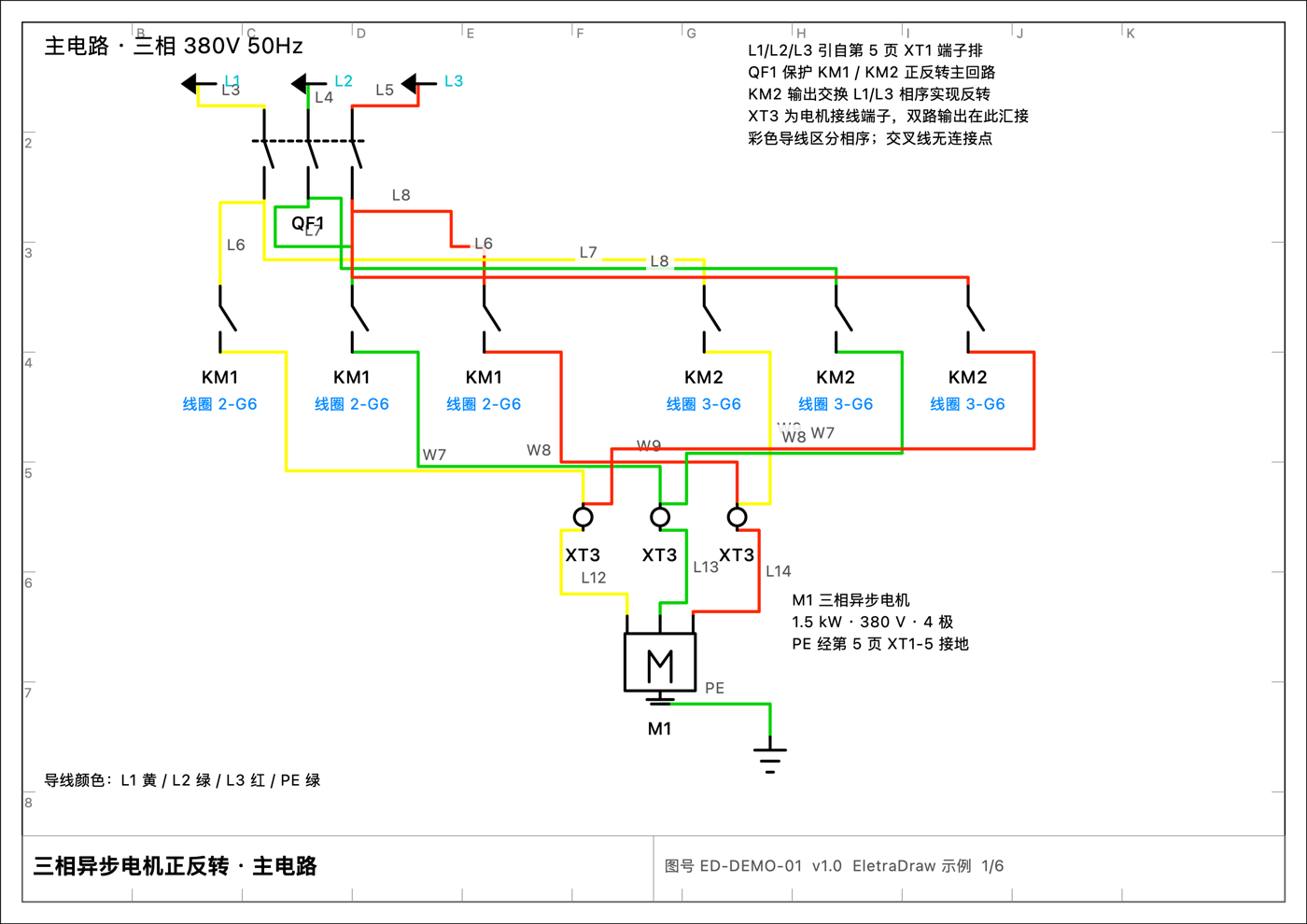
EletraDraw is a native macOS electrical schematic editor for control cabinet and power distribution circuit design, with symbols following GB/T 4728 and IEC 60617.
You place component symbols on the sheet and connect their pins with wires; EletraDraw then computes the
potential networks, wire numbers, cross-references, BOM, and terminal schedule automatically, and exports the
result as PDF, PNG, SVG, DXF, or VSDX. Documents are saved as a single .eledraw file, and all
computation happens on your machine — no sign-in, no data upload.
This manual is the complete reference: every menu command, every tool, and every inspector setting is documented. If it is your first time, read the Quick Start first, then jump to the relevant chapter as needed.
The EletraDraw interface is Chinese-only. In this manual, the bold Chinese words are the exact text the app shows on screen, each followed by an English gloss in parentheses.
Contents
- Getting Started
- Drawing the Schematic
- Checks and Reports
- Output and Reference
Tip
If you cannot find a command, use the search field on the right side of the Help menu to search this manual; for a keys-only overview, go to Keyboard Shortcuts and Gestures; to see what differs between the free version and Pro, read Free vs Pro.