01 / Build the space
Start with walls, not empty lines.
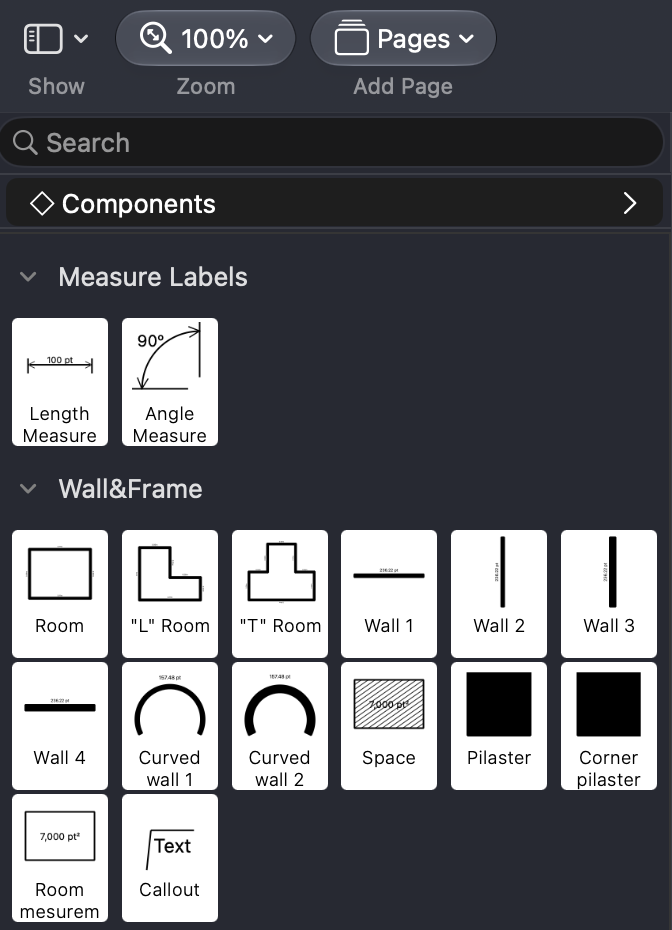
Drag straight or curved walls from the shape panel onto the canvas and connect them to form rooms. Or add a room shape directly and adjust its dimensions.
 FloorPlan
Floor Plan Designer · Mac
Plan your space with clarity.
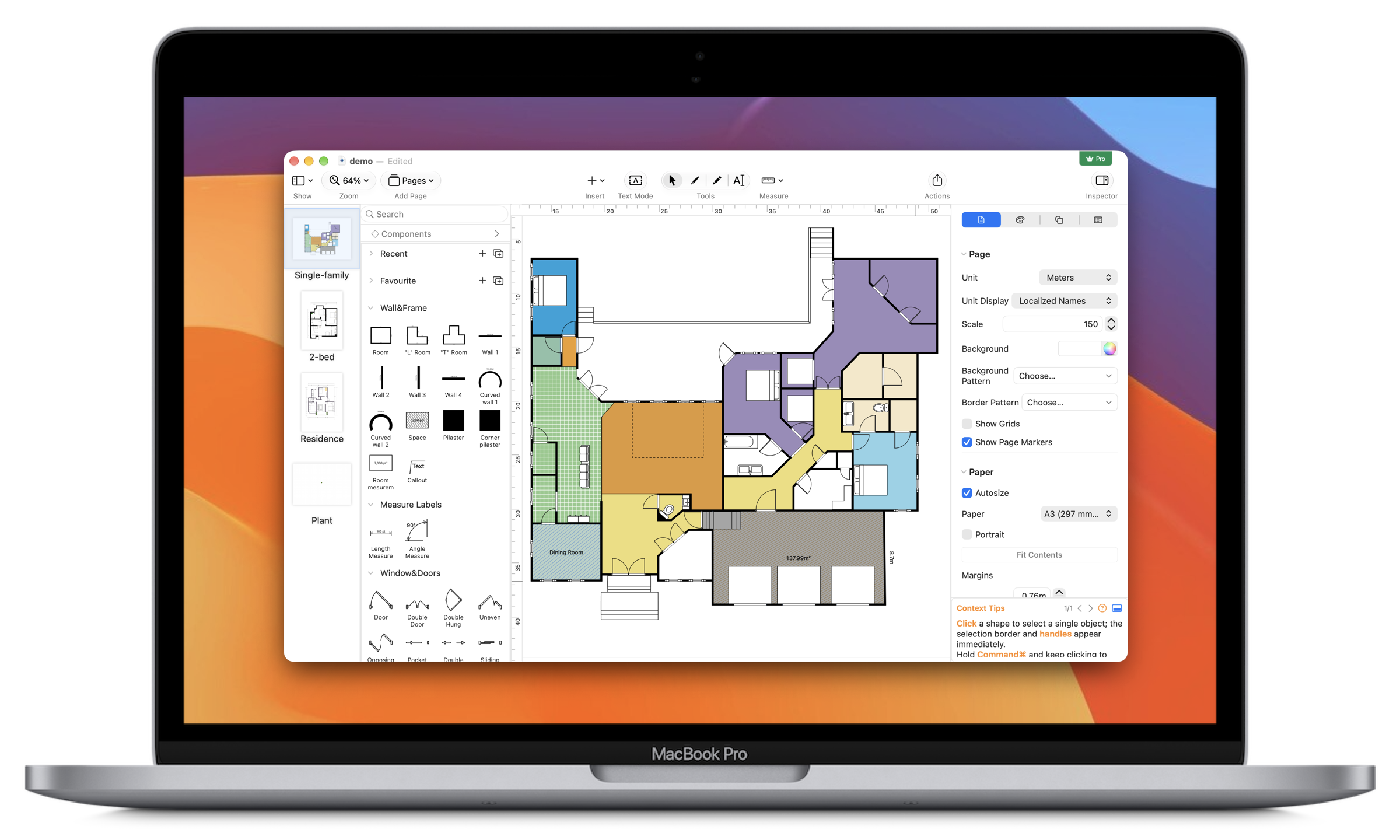
Drag walls from the shape panel, then place doors, windows and furniture on the canvas. Bring dimensions, layout and details together in one floor plan.
One floor plan
From structure to detail
01 / Build the space
Drag straight or curved walls from the shape panel onto the canvas and connect them to form rooms. Or add a room shape directly and adjust its dimensions.
02 / Place the details
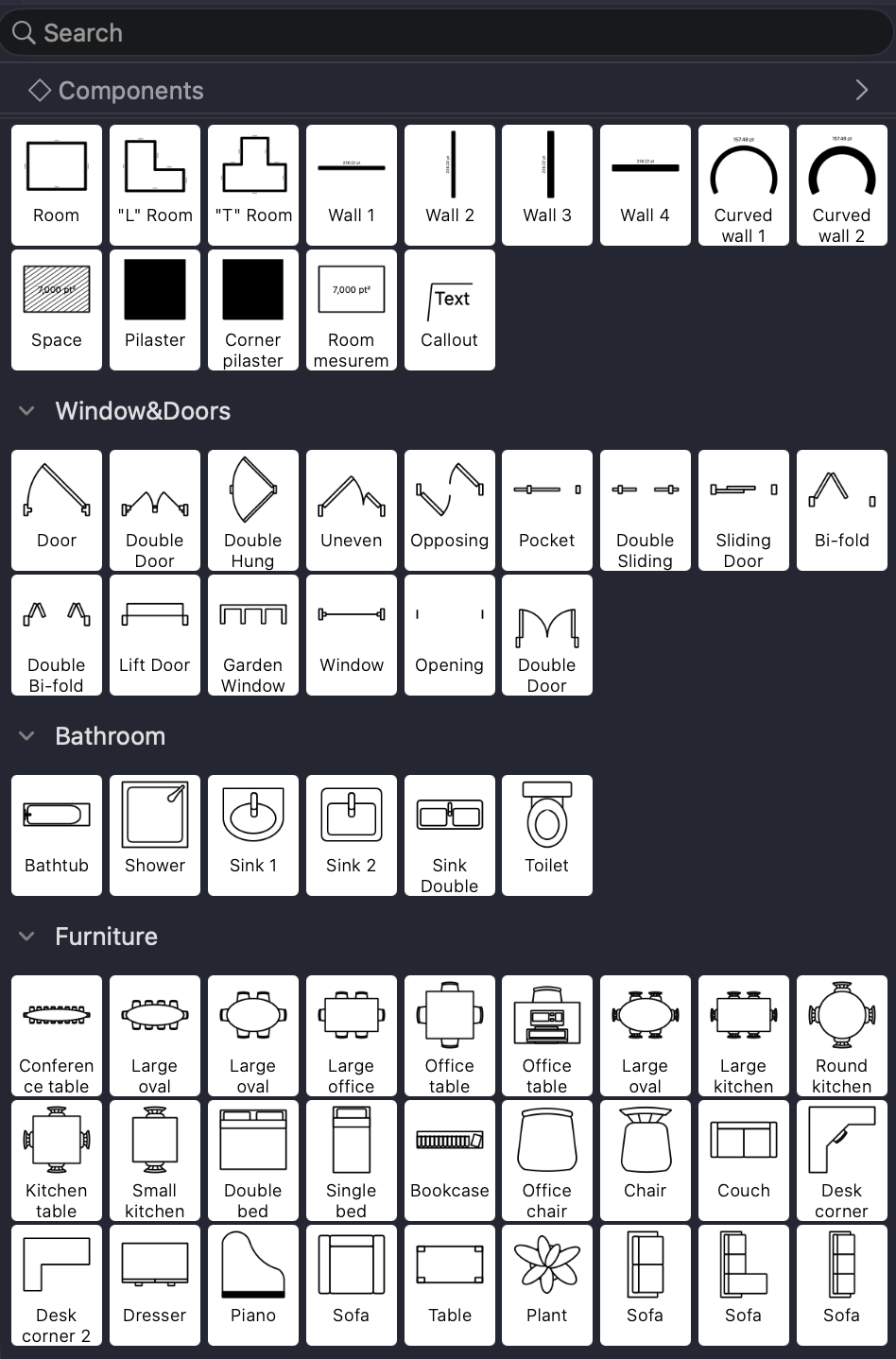
Drag a door or window onto a wall, then adjust its orientation and length. Add furniture from the sidebar and review its length, width and area as you plan the space.
03 / Check dimensions
Use the measurement tools to check key dimensions and understand how rooms and furniture fit together.
04 / Annotate and share
Add text, images and object notes to make a drawing easier to understand. Export in common image, document and vector formats, or print the finished plan.
FloorPlan